![[personal profile]](https://www.dreamwidth.org/img/silk/identity/user.png)

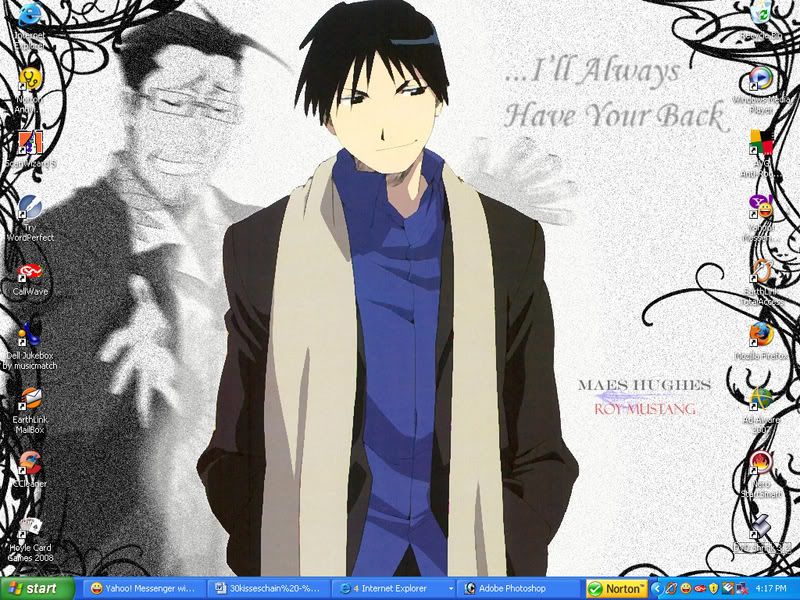
the desktop meme
Feb. 9th, 2008 09:37 pmDa Rulez!
1) Take a screenshot of your desktop.
2) To capture a desktop:
For PC: Press "Print Screen" (prt sc) button.
For Macs: Shift+Apple+3.
3) Open your graphics program-o-choice.
4) Press CTRL + V or select edit & paste.
5) Save image as a *.jpg, *.png, or *.gif.
6) Upload the screenshot to your image server.
7) Post your screenshot in YOUR blog (not mine) along with these instructions.
Let’s cut my wallpaper since I’m not sure how big this will turn out to be
1) Take a screenshot of your desktop.
2) To capture a desktop:
For PC: Press "Print Screen" (prt sc) button.
For Macs: Shift+Apple+3.
3) Open your graphics program-o-choice.
4) Press CTRL + V or select edit & paste.
5) Save image as a *.jpg, *.png, or *.gif.
6) Upload the screenshot to your image server.
7) Post your screenshot in YOUR blog (not mine) along with these instructions.
Let’s cut my wallpaper since I’m not sure how big this will turn out to be

![[community profile]](https://www.dreamwidth.org/img/silk/identity/community.png)